
How to change my password?
Edited
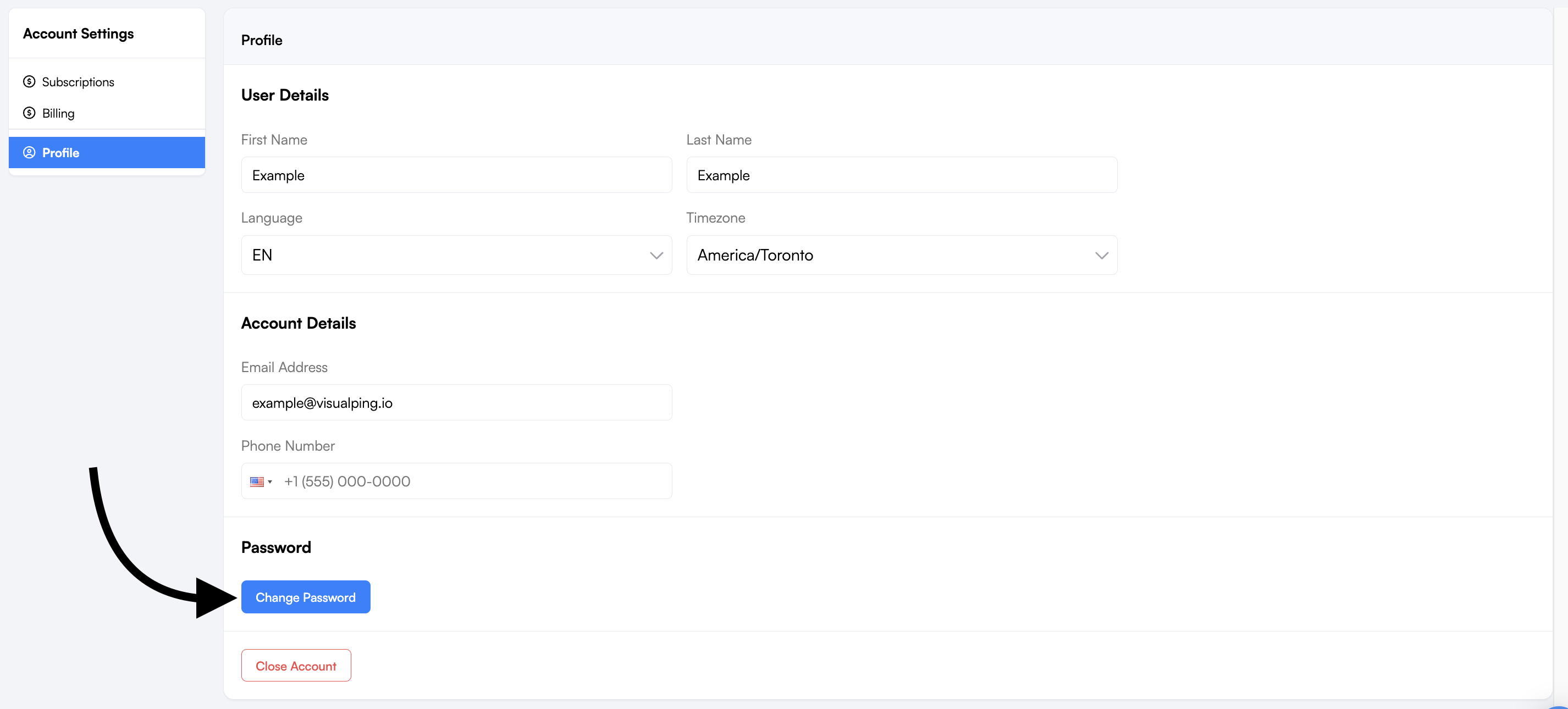
You can change your password from your dashboard by clicking on Settings > Profile > Change Password
After you change your password, we'll send a confirmation email to your account's registered email address. This helps confirm the change was made by you and lets you know right away if it wasn't.
Note: If you signed up using Google or enterprise SSO, you can now also set a password directly from Settings > Profile. Setting a password gives you an additional way to log in alongside your existing Google or SSO method. Your SSO login is not affected.
Was this article helpful?
Sorry about that! Care to tell us more?