How do I stop or remove a job?
Contents of this article
Best practice
Deactivating a monitor
Deleting a monitor
Best Practice
Visualping's best practice is for users to deactivate their monitors instead of deleting them.
Use caution when deleting monitors. Deleted monitors are not recoverable and are no longer available from the dashboard.
Deactivating a monitor
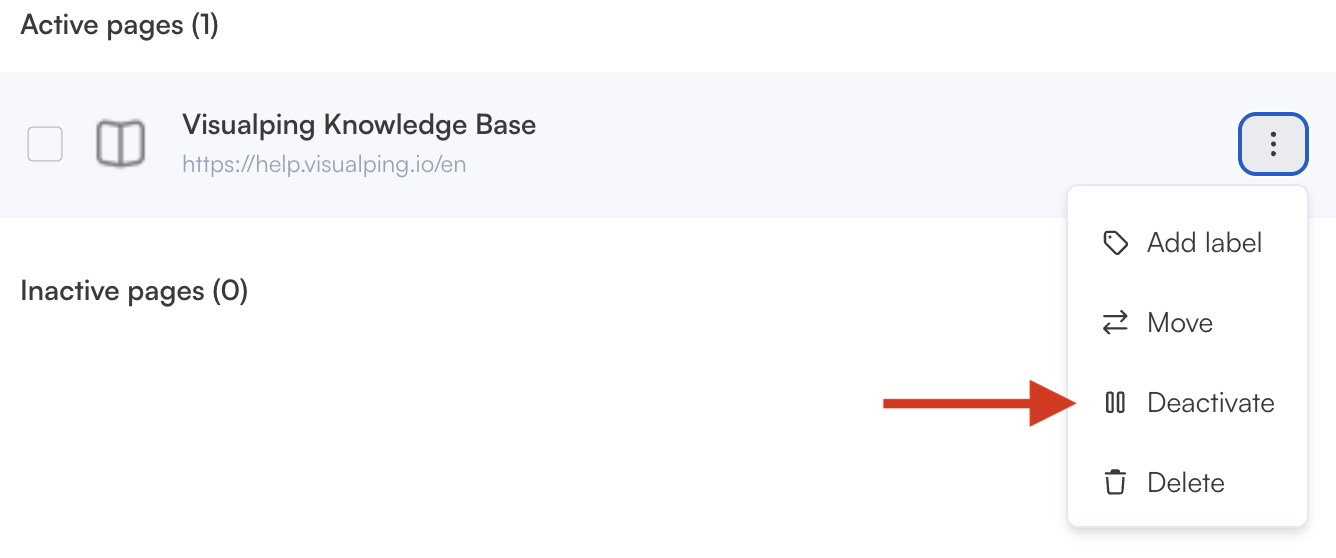
From the dashboard, locate the monitor and click the 3 dots next to it. Then select Deactivate.
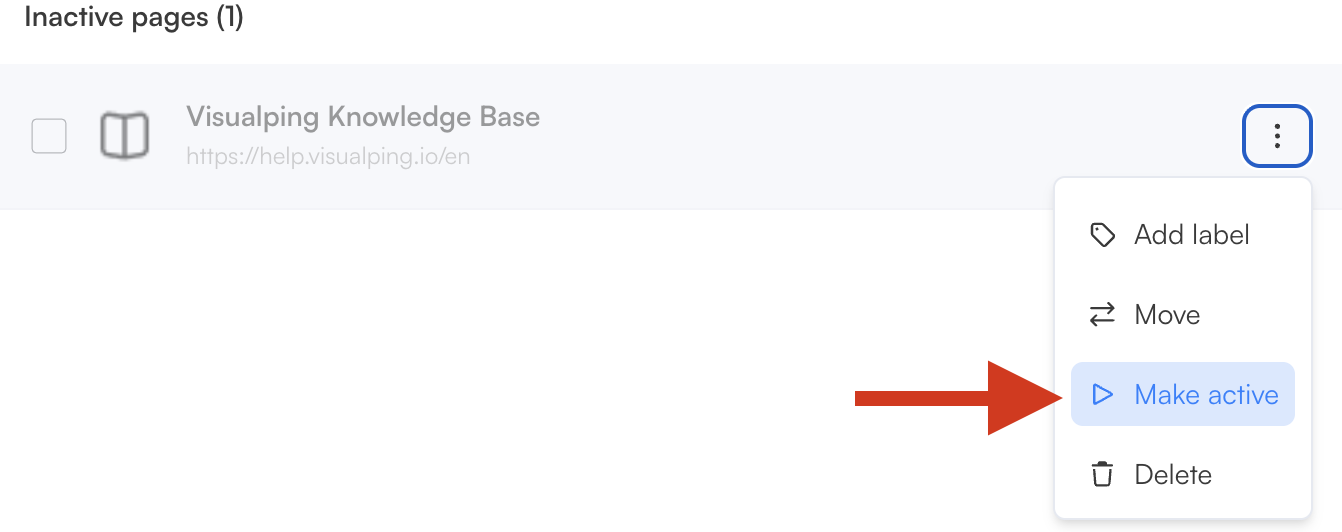
You can reactivate a monitor by selecting the Make active.
Note: If reactivating a paused monitor would put you over your plan's active job limit, Visualping will show a prompt to upgrade your plan instead of reactivating the monitor. From the job details panel, you can upgrade directly from this prompt, or free up space by pausing or deleting another active monitor first.
Deleting a monitor
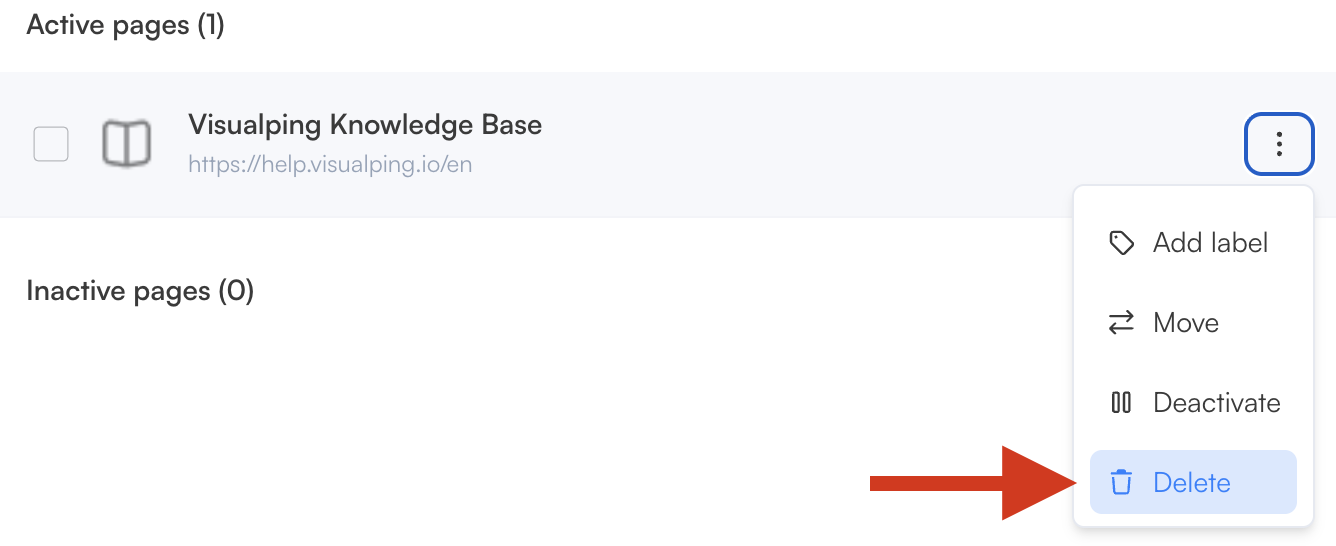
If you are sure you want to delete the monitor, you can do so from your dashboard by clicking on the three dots then Delete. If you are on a Business plan, you can also delete monitors in bulk to save time.